Reverse Engineer Unity Executables
Preface
The developers of Cities Skylines didn't publish the source code of the game. However, mod developers usually publish the mod source code on GitHub (like CSM). We took a look at the source code for the CSM'mod, and we found that it's calling and using functions and classes from the source code of the game. The mod was developed by the community as an open-source project, they didn't buy the source code. So we were sure that they reverse-engineered the game to get the source code.
After doing some research on how to reverse-engineer unity games, we found two useful tools that can extract both the source code and the assets from almost any unity executable (we tested both tools on Cities Skylines and they worked just fine).
Extracting the source code (using ILSpy):
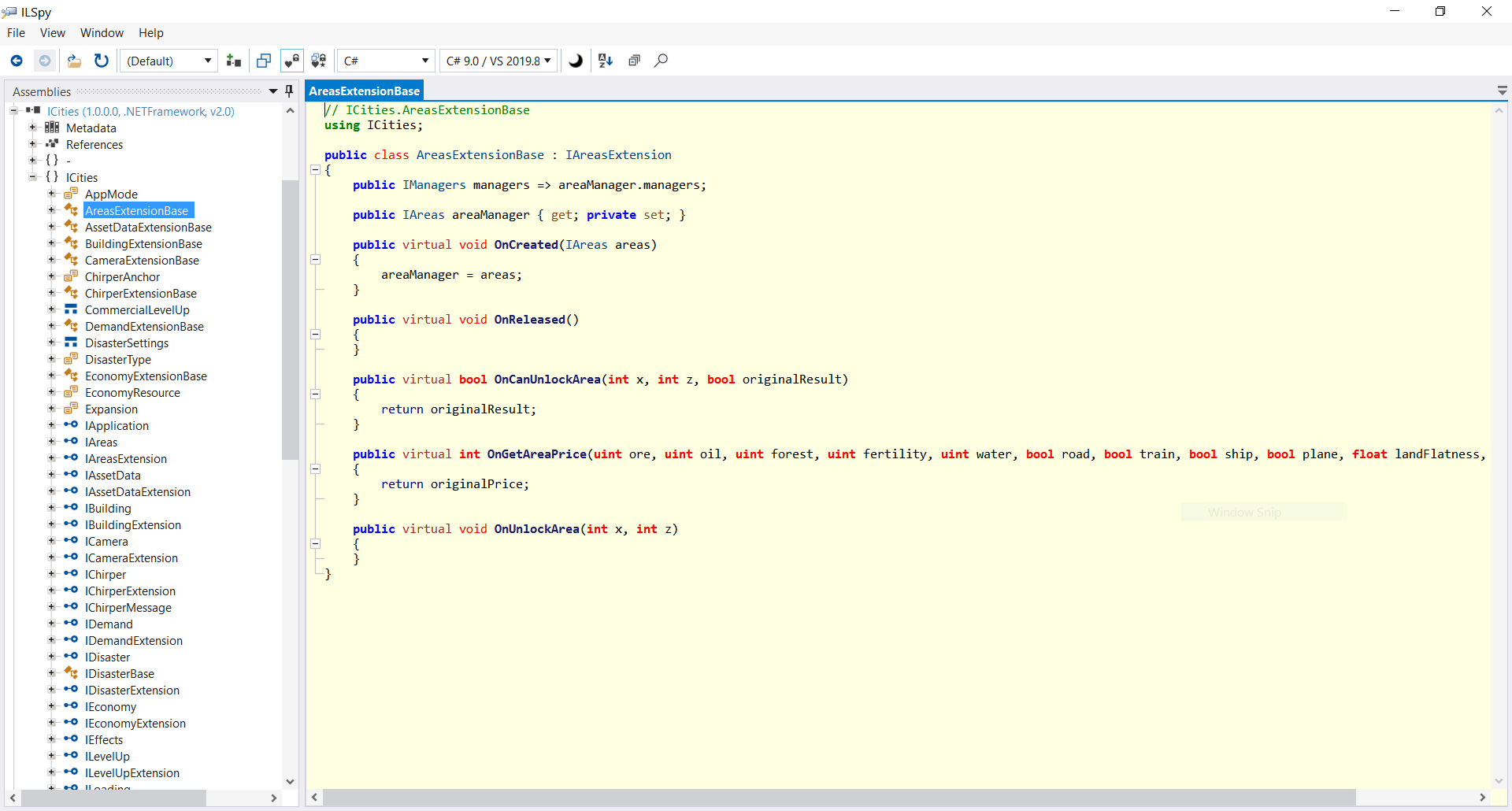
A screenshot from ILSpy after decompiling Cities Skylines.
Steps to use ILSpy:
- Download the binaries of the latest release from here.
- Extract the ILSpy_binaries_*.zip, and run 'ILSpy.exe'.
- File -> Open -> set the path for the game Assembly-CSharp.dll. The path for Cities Skylines should be this:
C:\Program Files (x86)\Steam\steamapps\common\Cities_Skylines\Cities_Data\Managed\Assembly-CSharp.dl
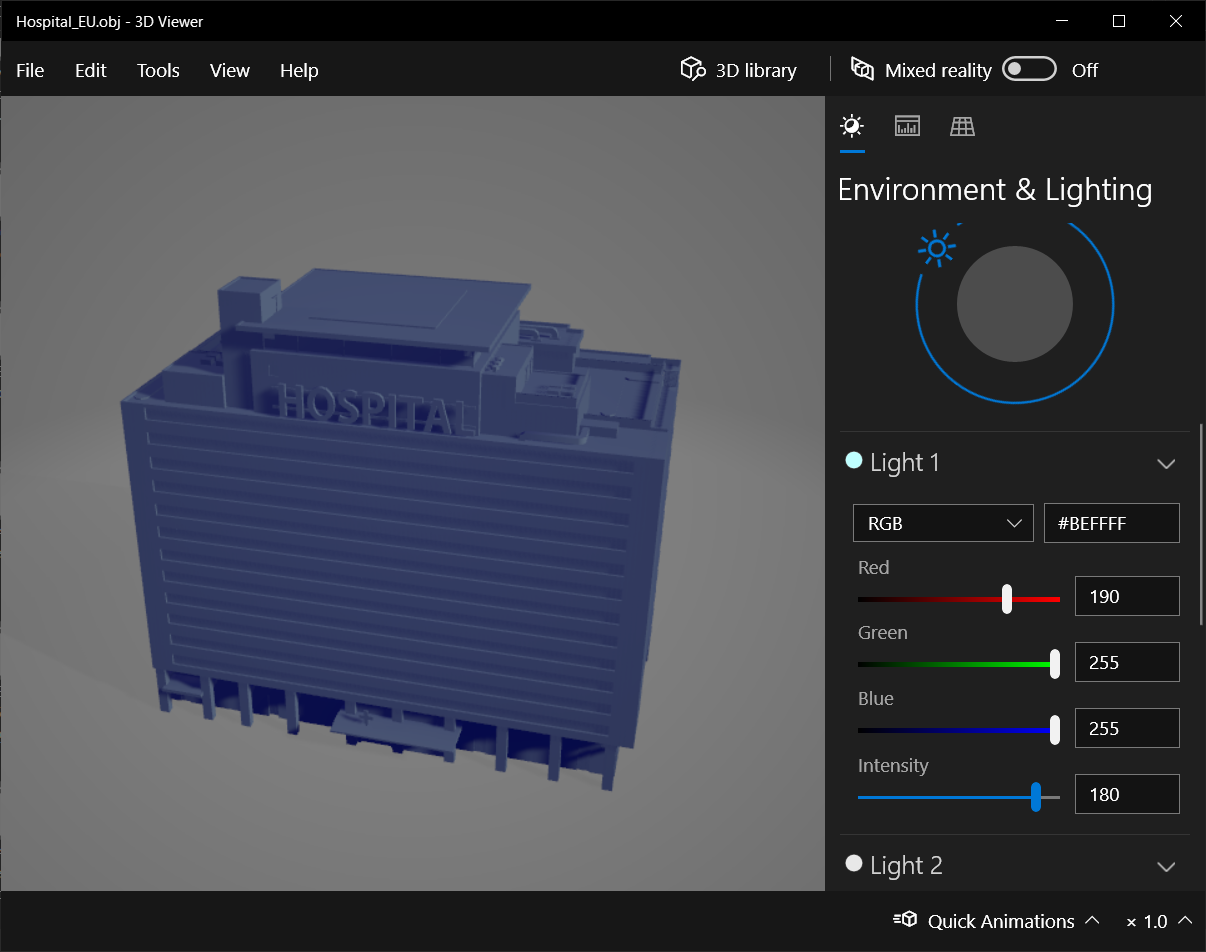
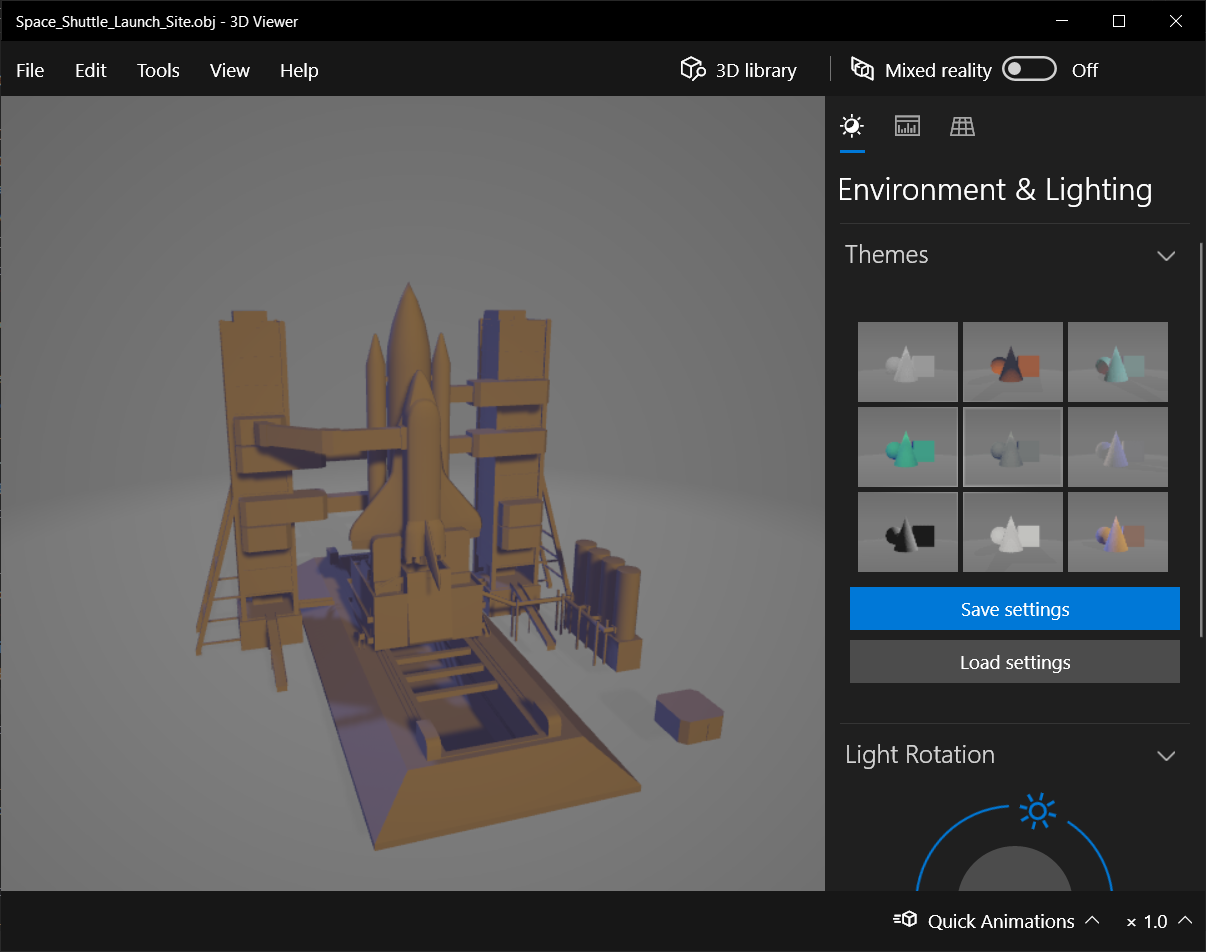
Extracting the assets (using AssetStudio):
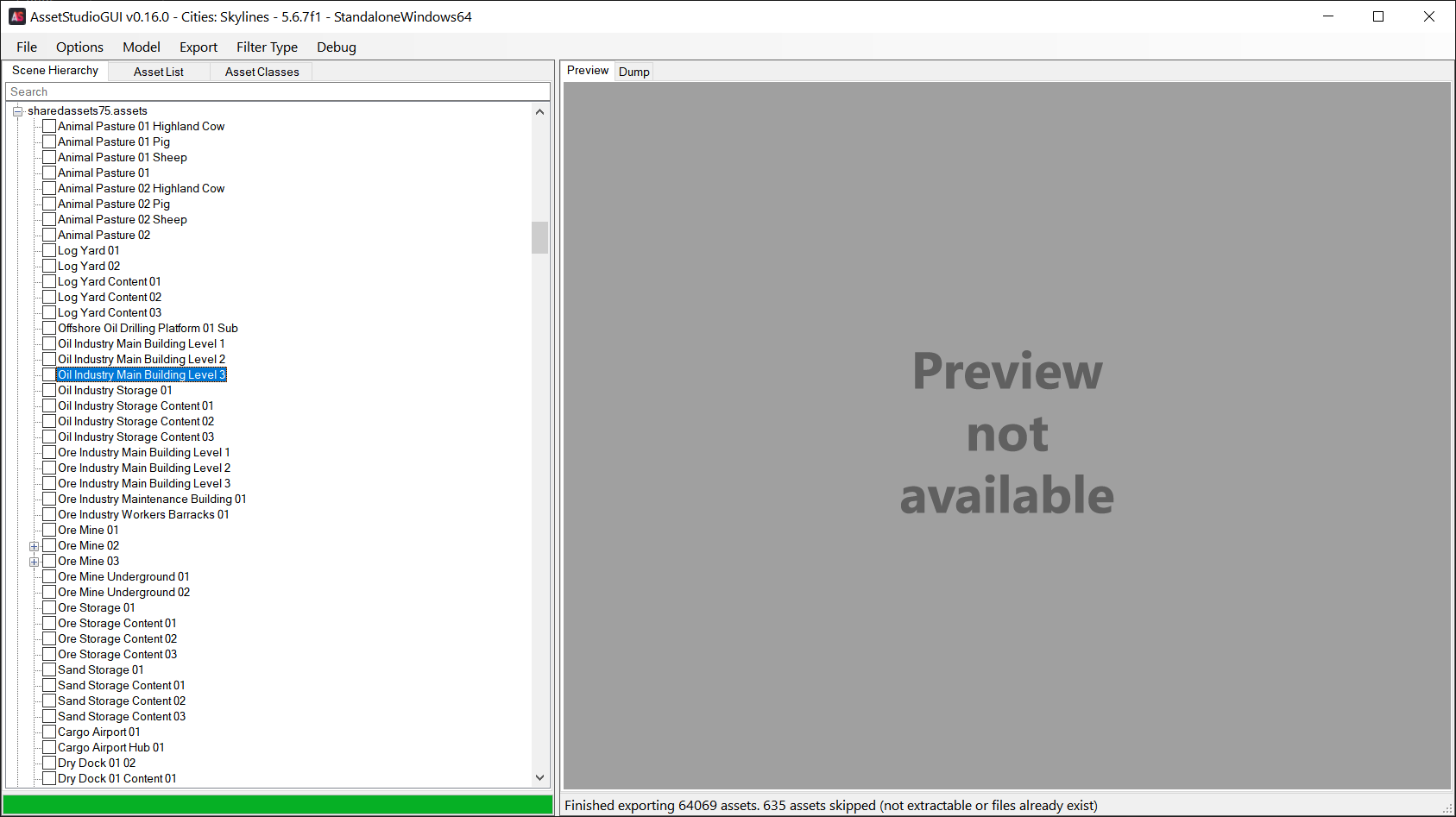
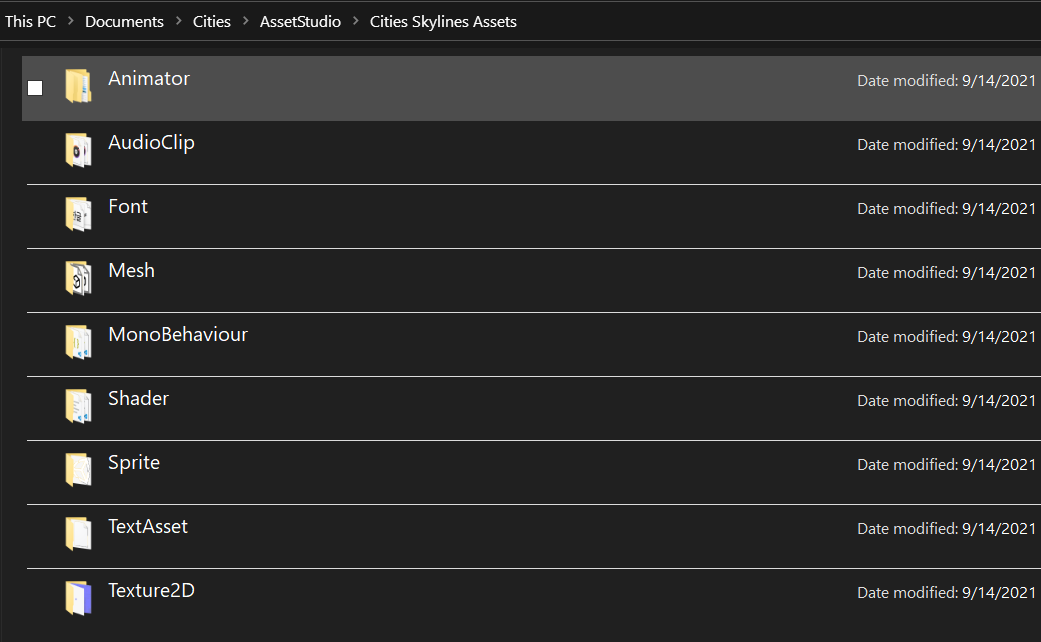
Screenshots from AssetStudio after exporting almost all Cities Skylines assets (64069 assets were exported)
Steps to use AssetStudio:
- Download the latest version from here.
- Extract the 'AssetStudio.v*.zip' file, and run 'AssetStudioGUI.exe'.
- File -> Extract Folder -> set the path for the game assets.
C:\Program Files (x86)\Steam\steamapps\common\Cities_Skylines\Cities_Data
- Then, set the path for the folder where you want to save the extracted assets.
- It might take a couple of minutes to extract everything (meshes, audio clips, shaders, textures, etc..).
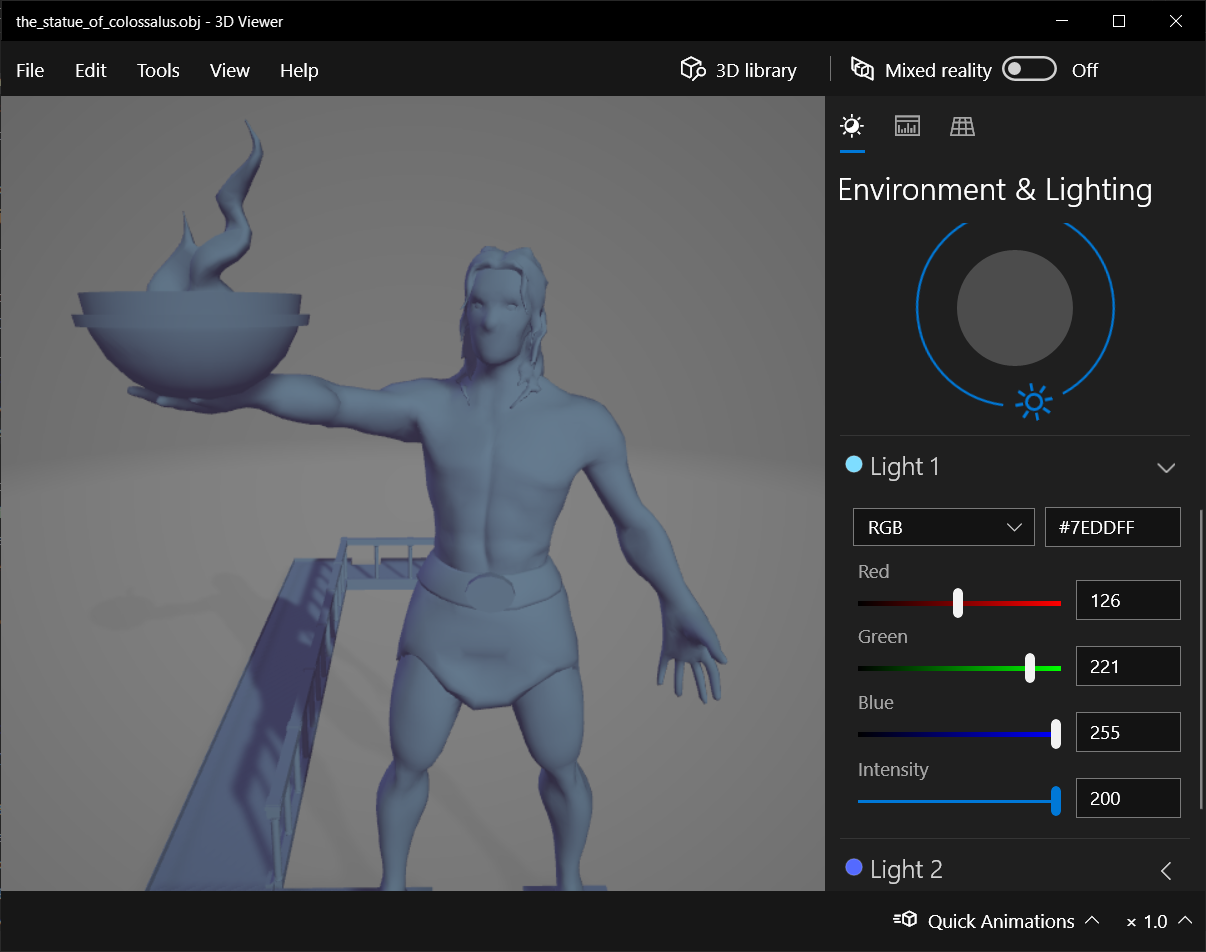
Screenshots:
''''''''
Resources
- https://github.com/CitiesSkylinesMultiplayer/CSM
- https://github.com/icsharpcode/ILSpy
- https://github.com/Perfare/AssetStudio
- https://www.alanzucconi.com/2015/09/02/a-practical-tutorial-to-hack-and-protect-unity-games/
- https://answers.unity.com/questions/1018427/is-there-a-way-to-reverse-engineer-a-built-project.html